
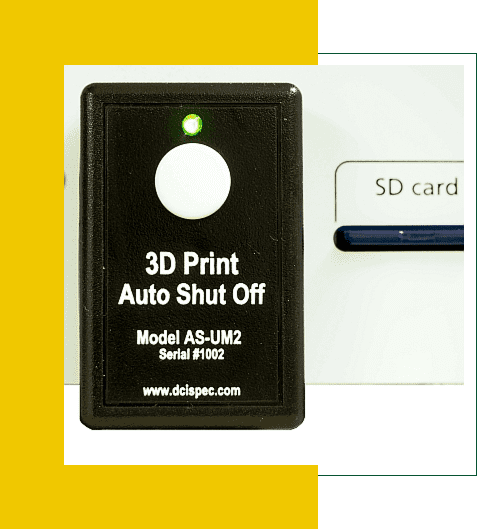
3D Printer Auto Shutoff
The AS-UM2 3D Printer Auto Shutoff works with Ultimaker 2 and 3 3D Printers
Automatically turns off the power when 3D Prints are done.
Price Including Free Standard Shipping: $69
|
|
How To Operate the 3D Printer Auto Shutoff
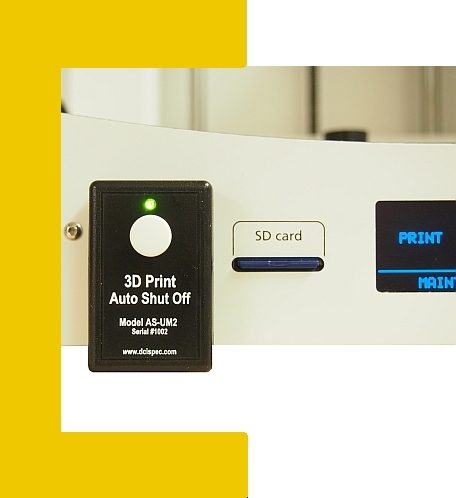
To turn on your Ultimaker- Press and release the button on the Auto Shutoff—the LED turns on
To turn off your Ultimaker- Press and hold the button on the Auto Shutoff until the LED turns off
When the Ultimaker has finished a print, the Auto Shutoff will enter auto shutoff mode. The LED will flash, and the unit will beep for 5 minutes, after which the Auto Shutoff will turn off the power to the Ultimaker
To cancel the auto shutoff mode, press and release the button on the Auto Shutoff.
(Some maintenance functions of the Ultimaker trigger the auto shutdown mode, which can be cancelled by pressing and releasing the button on the Auto Shutoff)
How Does it Work?
The Auto Shutoff senses the power the Ultimaker draws while printing.
When a 3D print is complete, the pulsing to the filament heater stops.
The Auto Shutoff senses this condition and enters a 5-minute shutoff countdown mode to keep cooling fans operational.
At the end of the countdown period, the Auto Shutoff turns off power to the Ultimaker.
There are visual and audible alerts during the countdown period, and it can be canceled at any time.
How Do You Connect it to the 3D Printer?
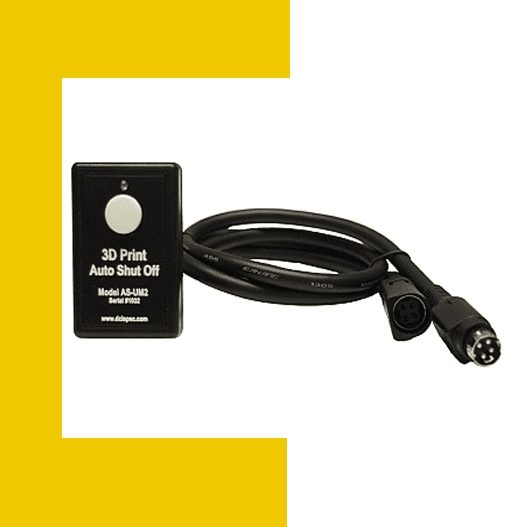
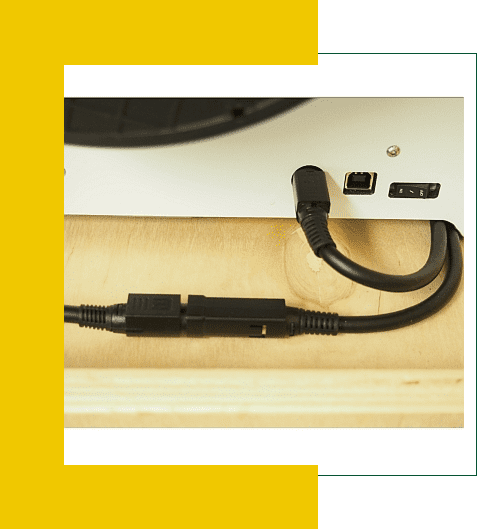
To install the Auto Shutoff, plug the Ultimaker power supply into it.
Then, plug the Auto Shutoff unit into the Ultimaker.
Mount the Auto Shutoff to the Ultimaker front panel with the enclosed double sided tape.
What 3D Printers is it Compatible With?
The Auto Shutoff works with Ultimaker 2 and 3 Series — NO MODIFICATION NECESSARY.
Contact us for other models and brands at sales@dcispec.com